
Dedicated Serversfor Schedule I
Run your Schedule I world 24/7, customize the experience and build the foundation for the community server you actually want.

For Server Owners
Your Server
Your Rules
Everything you need to keep the server online and under control
24/7 uptime
Your server runs headless, always on.
Admin & permissions
Group based roles, permission controls, kick and ban management.
Remote console
Full TCP-based console for headless management from anywhere.
Deep configurability
Every aspect of server behavior is adjustable through configuration files.
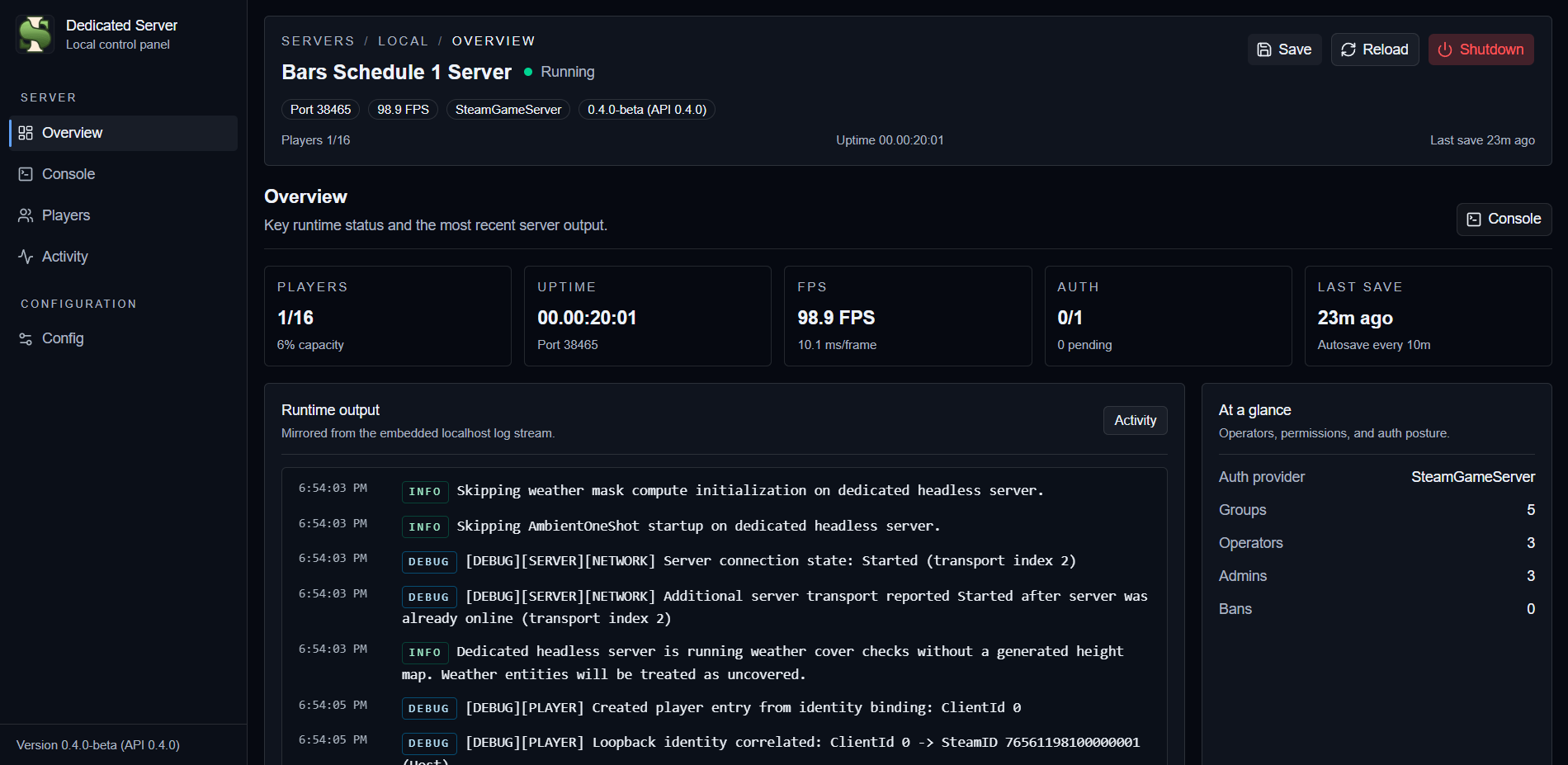
Optional web panel
A localhost panel for real-time monitoring and local operations.
For Developers
A Platform
Not Just a Mod
Extension points for server mods, client features, and custom workflows
Server & Client Mod APIs
Well-defined extension points for both server-side logic and client-side features.
Lifecycle Hooks
Hook into server start, stop, player join and leave, and other runtime events.
Persistence Integration
Integrate custom data with the save and load system without fighting the core server flow.
Custom Messaging
Send and receive custom network messages between server code and connected clients.
Contribution Friendly
Build against an open-source codebase with docs, examples, and an active improvement loop.
Quick Start
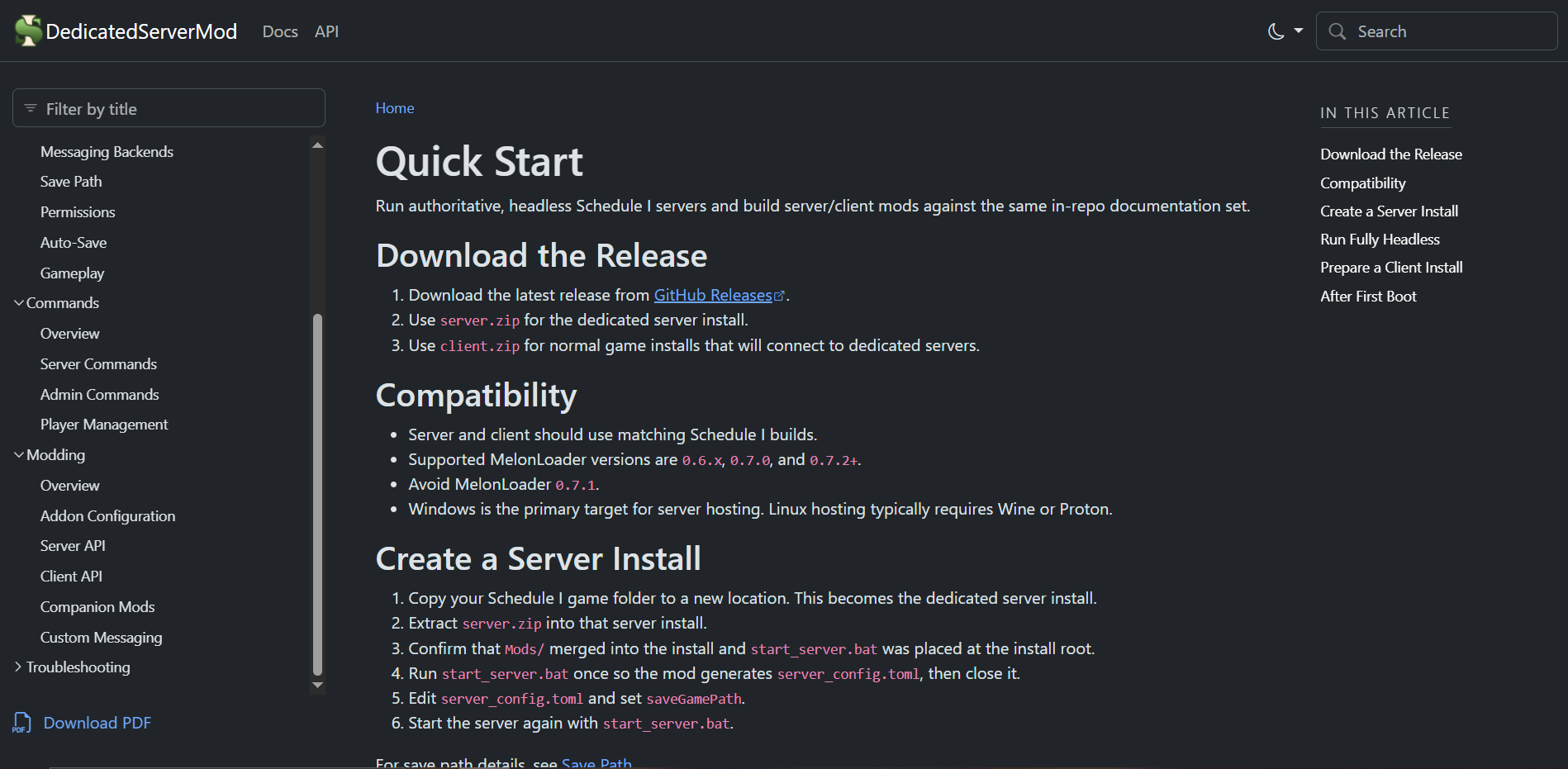
Download the release, set up the server files, configure the basics, and launch.
Download The Release
Grab the latest GitHub release, then use `server.zip` for hosting and `client.zip` for players who need the dedicated-server client mod.
Create The Server Install
Copy your Schedule I install to a new folder, extract `server.zip`, and confirm `start_server.bat` was added at the root.
Generate And Edit Config
Run `start_server.bat` once to generate `server_config.toml`, then set `saveGamePath` before using the world for real hosting.
Launch And Connect
Start the server again, optionally enable the localhost web panel, and join from a client install that has `client.zip` extracted.
Need the full walkthrough first? Start with the Quick Start guide and then continue with the full documentation.
Ready to Host?
Download, configure, and launch your dedicated server in minutes.
Prefer managed hosting? Rent a server with Cybrancee